
Read only
Observe the workflow and review its data without making changes.
LMBR ENTERPRISE · Synthetic demonstration
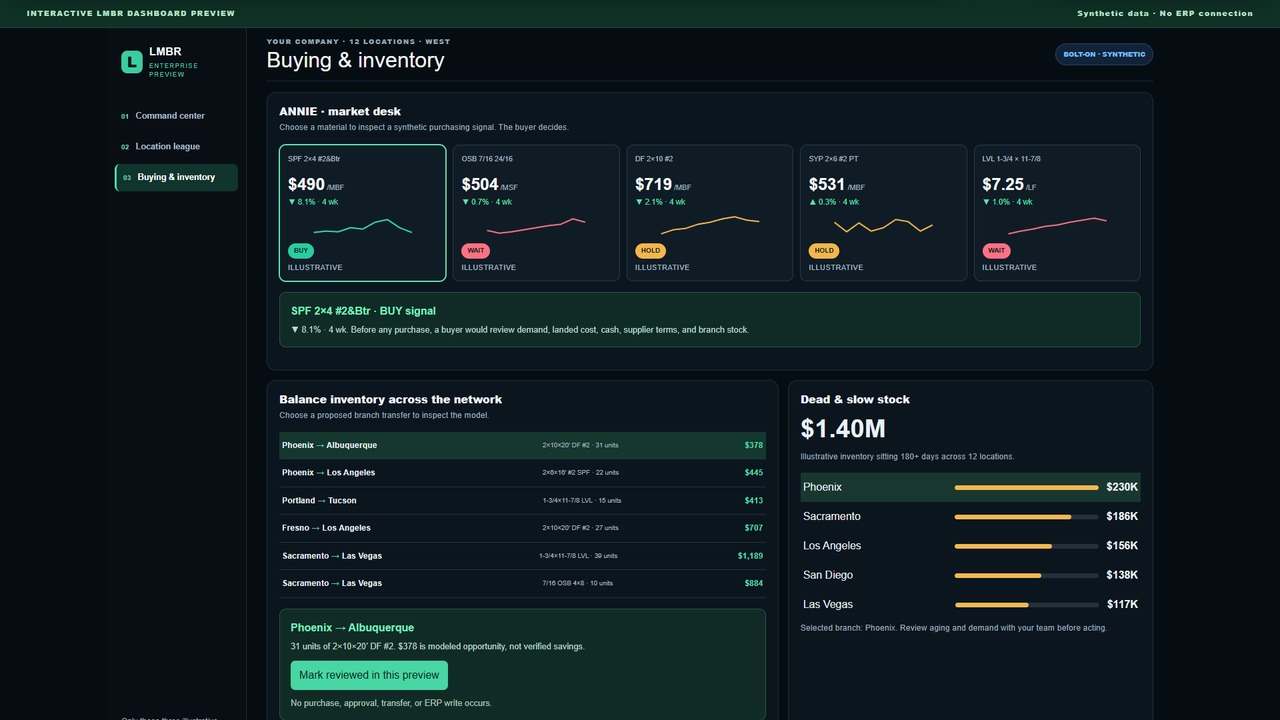
Explore what a connected, 12-location operating picture could look like. These screens use illustrative data from the LMBR Dashboard.
Explore the dashboard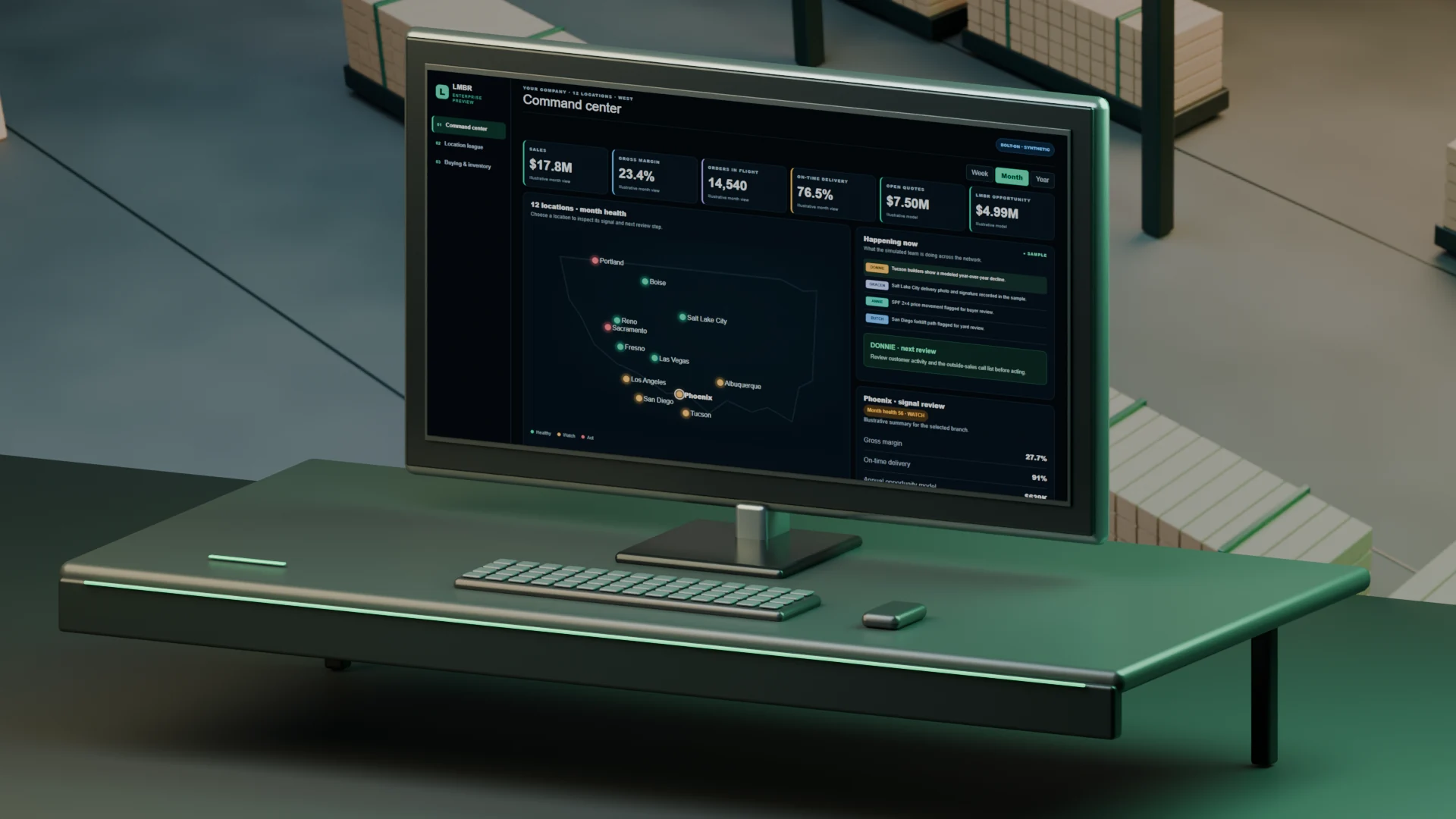 12 LOCATIONS · SYNTHETIC DEMONSTRATIONExplore the dashboard
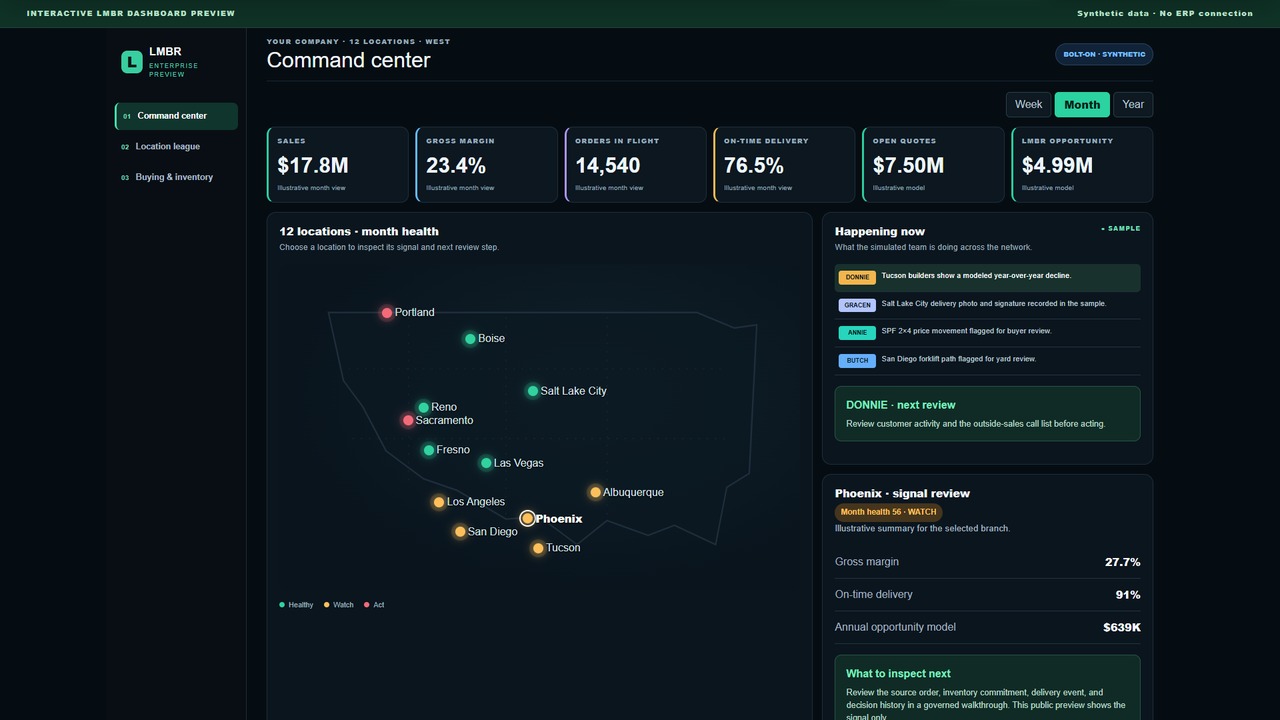 Explore this screen ↗
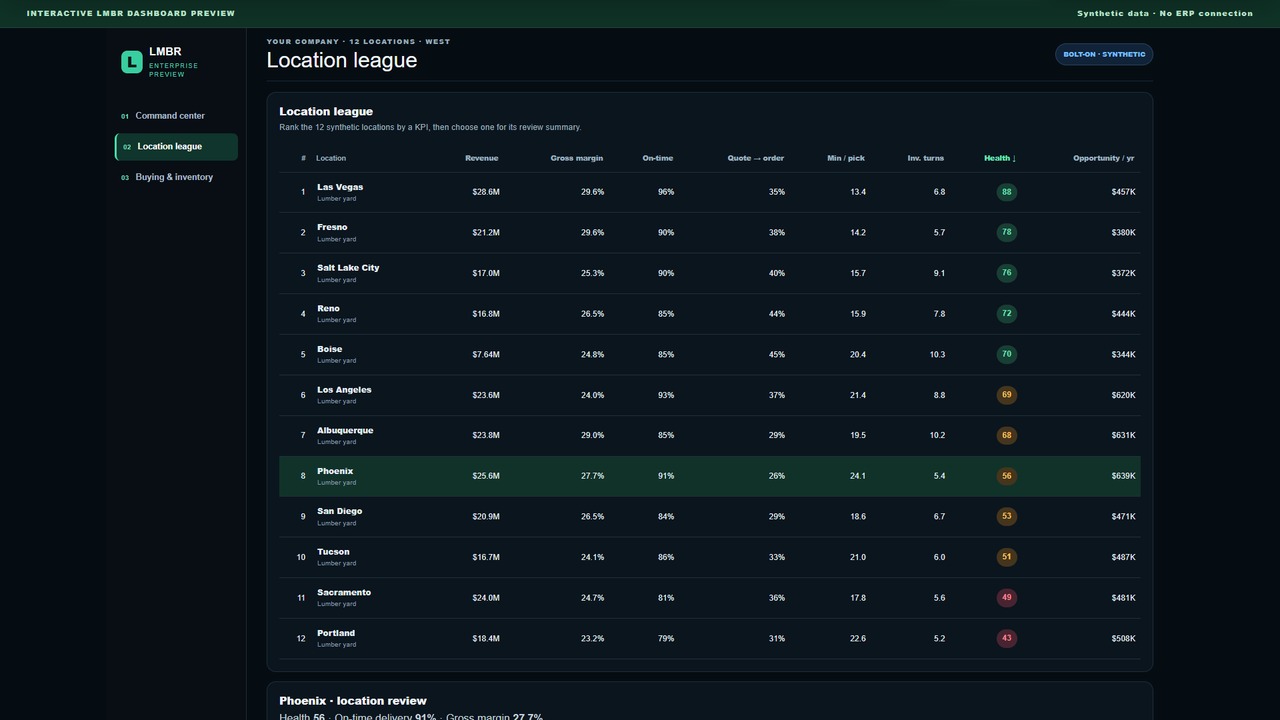 Explore this screen ↗
 Explore this screen ↗
Illustrative demonstration with synthetic data. Screens do not show a live customer deployment or measured results.
Built by an LBM operator · For lumberyards and truss plants
Step into the interactive sample.
A promise at risk · SO-204
The truck is ready. The material isn’t.A 96-sheet sheathing order is promised Friday.
Prefer to start with a number? Try the yard estimator — it shows its assumptions and is not a customer result or guaranteed savings claim.
Inside the interactive sample
Illustrative sample modules built with synthetic data, shown here to demonstrate breadth. The agreed scope for a current entry offer is confirmed separately and may not include every module shown.
Which of 12 branches needs me this morning — and why?
Connects the signal on the dashboard back to the order, the shortage and the decision behind it.
02This order shows a healthy margin. Does it still make money after delivery?
Traces invoice gross margin through delivery, handling and freight to a modeled contribution.
03Where does the same forklift make the same extra trip?
Pairs a real yard aerial with an illustrative travel-density overlay to find repeated movement.
04Is the cheaper truckload tying up tomorrow’s cash?
Compares a new purchase against a branch transfer, with timing and freight assumptions visible.
05Ask a plain question about the sample operation.
Answers from the same connected evidence the other modules use — not a guess.
We’re former yard operators, not a Silicon Valley team or Harvard grads. We knew the work firsthand: how material gets purchased, sold, pulled, loaded, and delivered. Then we wrote the software around the way these businesses actually run. LMBR is the system we wanted when we operated yards.
We take a hybrid approach. Keep your ERP and choose how much LMBR does in each workflow. Start with read-only Shadow Mode, then use recommendations, drafts, or approved actions where you’re comfortable. It’s up to you—not an all-or-nothing rollout. Keep using your ERP in the areas where it works well, and bring in LMBR where you want more help.
Your workflows. Your comfort level. Your choice.
Choose the level of authority for each workflow. Keep one read-only, ask another to prepare drafts, and allow a third to act within the permissions you approve. You do not have to give every workflow the same level of control.
Observe the workflow and review its data without making changes.
Prepare recommendations or drafts for your team to review, edit, and approve.
Carry out approved actions within the workflow, permissions, and limits you choose.
Keep using your ERP and LMBR side by side for as long as you want. Choose the workflows, agree on the scope, and change the level of authority as your comfort grows. It’s up to you. It’s not all or nothing.
A delivery is promised. The material is committed elsewhere.
Explore a sample operation. Follow the evidence. Make the next decision.
Prove the starting point
One branch, named people, approved exports, defined success measures, and explicit boundaries.
Normalize products and inventory while preserving the source and quarantining ambiguity.
Bring auditable observations and recommendations to management without taking operational action.
Record decisions and referenced outcomes so verified savings, capacity, and opportunity stay separate.
The yard
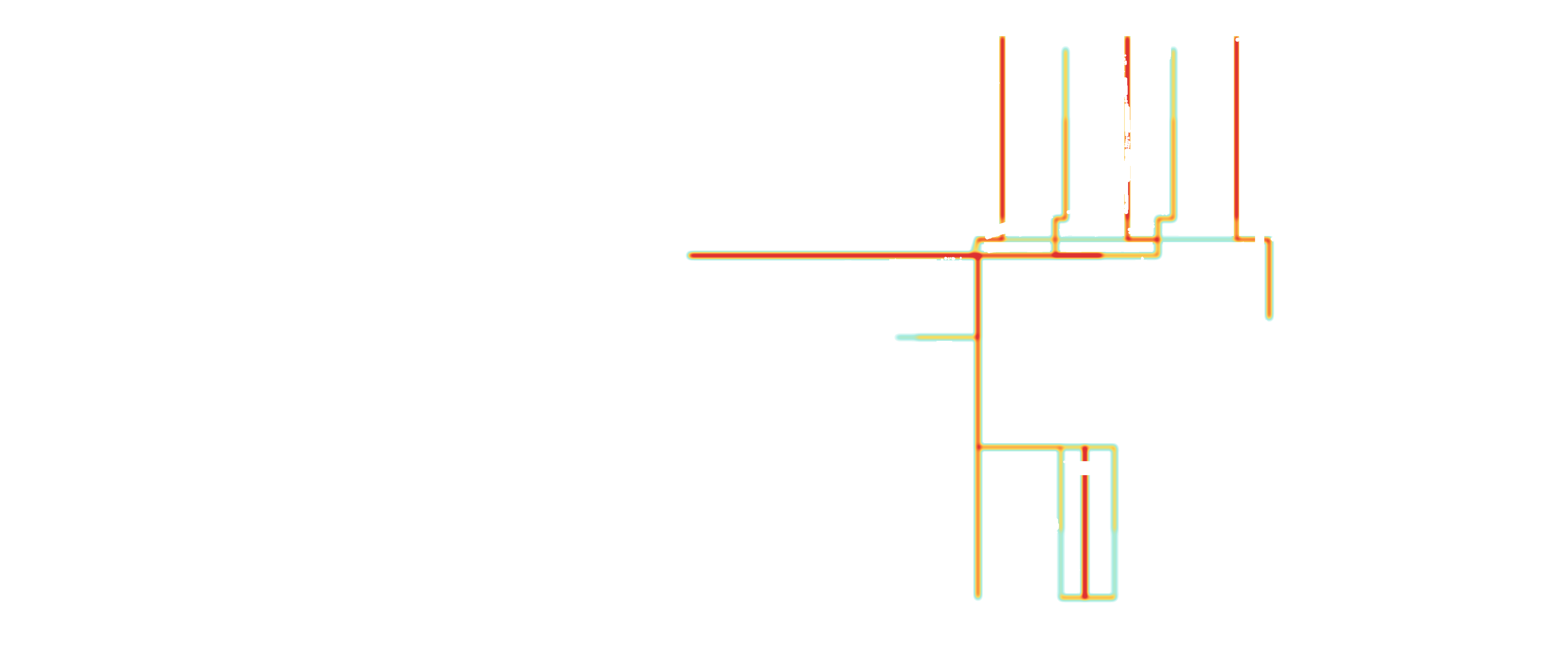
During Shadow Mode, a permitted aerial baseline and forklift travel measurements can expose repeated travel, bottlenecks, and layout questions. The point is not a colorful map. The point is a management decision backed by comparable before-and-after evidence.
Forklift travel measurements and a yard heat map are included in Shadow Mode at the agreed branch. Before collecting travel data, we agree on the equipment, site access, safety rules, data rights, and how routes and results will be measured.
Estimate the opportunity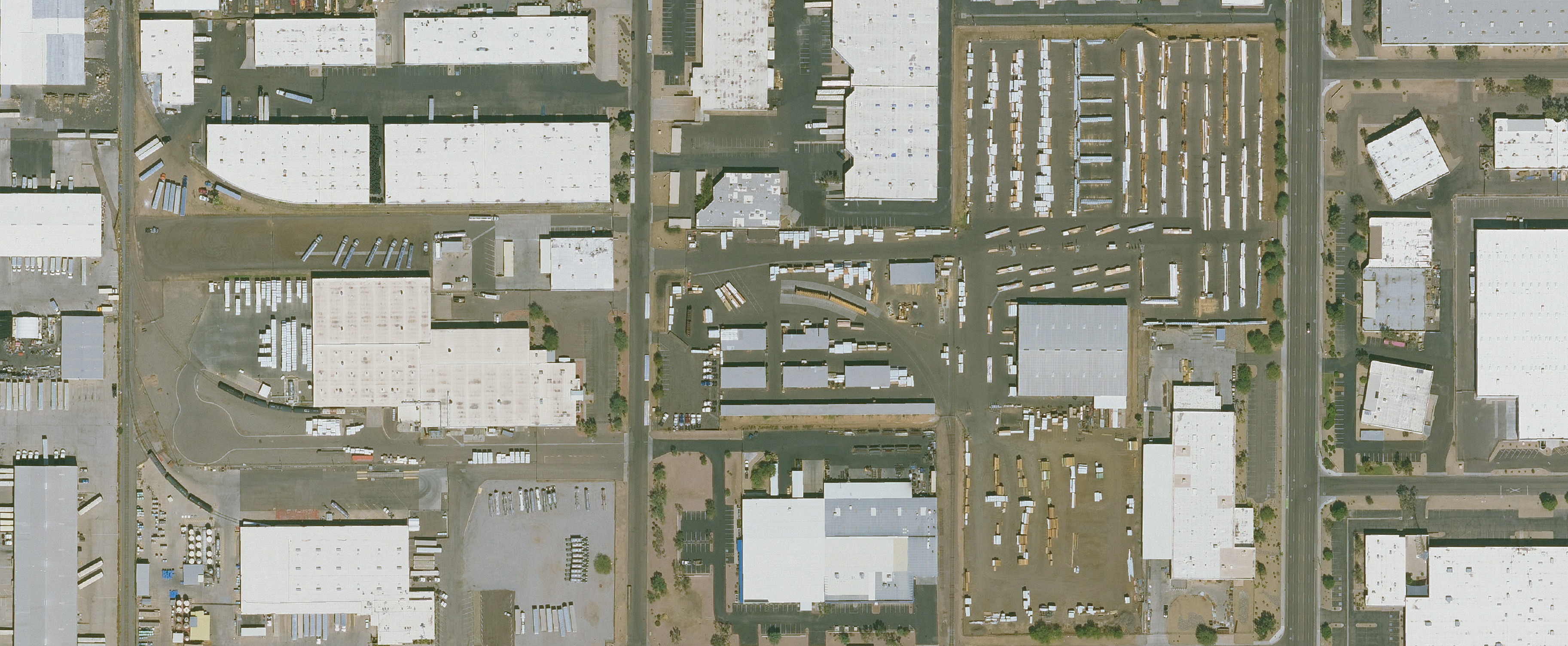
Shadow Mode
The standard entry phase begins after data-readiness acceptance. LMBR stages approved product and inventory data, preserves lineage, identifies uncertainty, and presents recommendations for human adjudication. Missing customer data or access pauses the clock.
See how it worksThe rules it runs by
Shadow Mode begins without an ERP write path. Production authority requires a separate, named approval.
LMBR preserves source lineage and routes ambiguous records for review instead of silently guessing.
Management can agree, disagree, override, defer, and record the reason and outcome.
Assumptions, source data, recommendations, decisions, and measured outcomes remain distinguishable.
BOLT-ON begins beside the system you already run. Shadow Mode does not replace it.
The evidence, reviewer, decision, and outcome remain connected for later review.
Questions worth raising
No. The current BOLT-ON entry phase starts beside it. The ERP remains the agreed system of record.
Shadow Mode has no external write path. Any later production authority requires separate evidence, security, testing, permission, customer authorization, and commercial gates.
Shadow Mode is partly a data-readiness exercise. Ambiguous records are quarantined with the reason instead of being treated as fact.
No. The estimator is planning math. Shadow Mode distinguishes verified savings, validated capacity, identified opportunity, assumptions, and unresolved evidence.
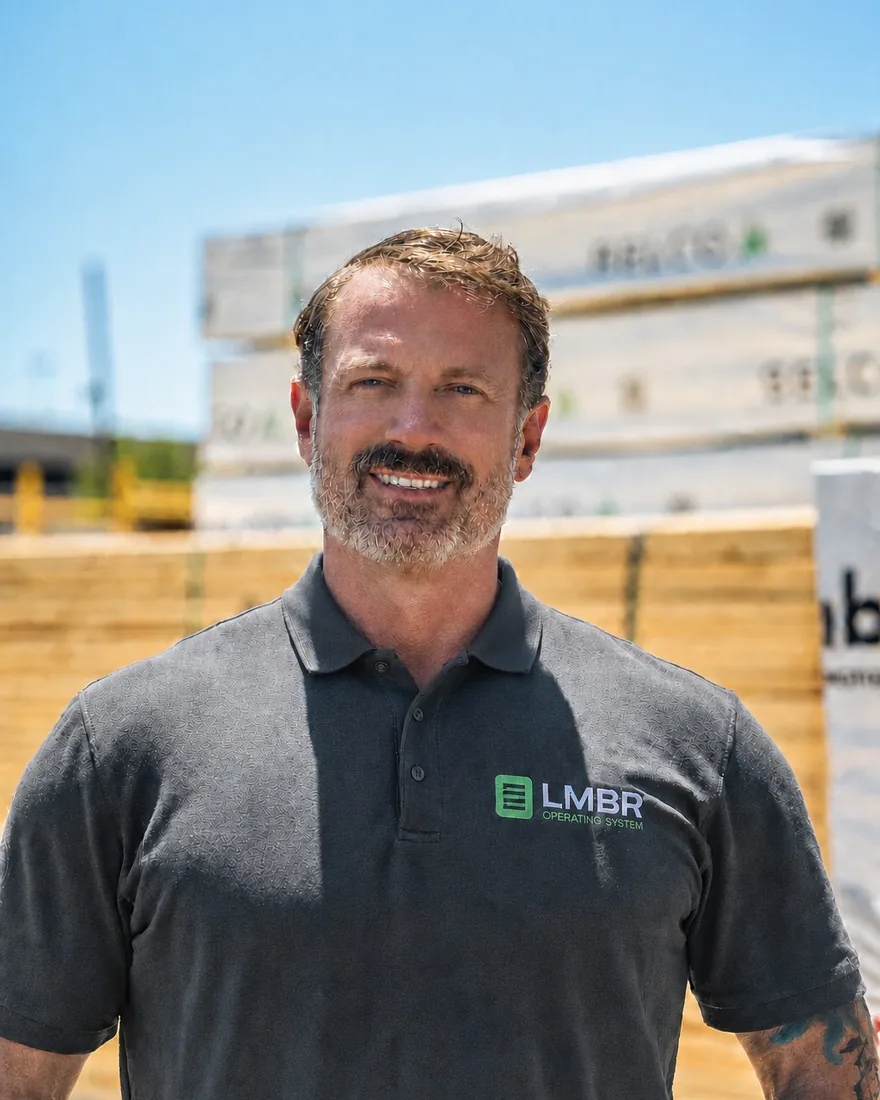
Meet Kenny Mays
Kenny Mays built his career in building materials before building the technology around it. He started in sales in September 1999 and worked in lumberyards, truss plants and roofing yards. He retired in June 2026, before building LMBR.
“Every decision came back to two goals: make LMBR feel like a member of your team, not another system, and build something this industry has never seen.”
Next step
Take the controls in the interactive sample, then book a 30-minute fit and data-readiness call with Kenny. Prefer a number first? The yard estimator is still one click away.